
Platform
Everything between the site visit and the bank transfer.
Not a calculator with a dashboard bolted on. This is the record of a construction job: what it was priced at, what was agreed, what changed, what it cost and what it earned.
01
Estimating
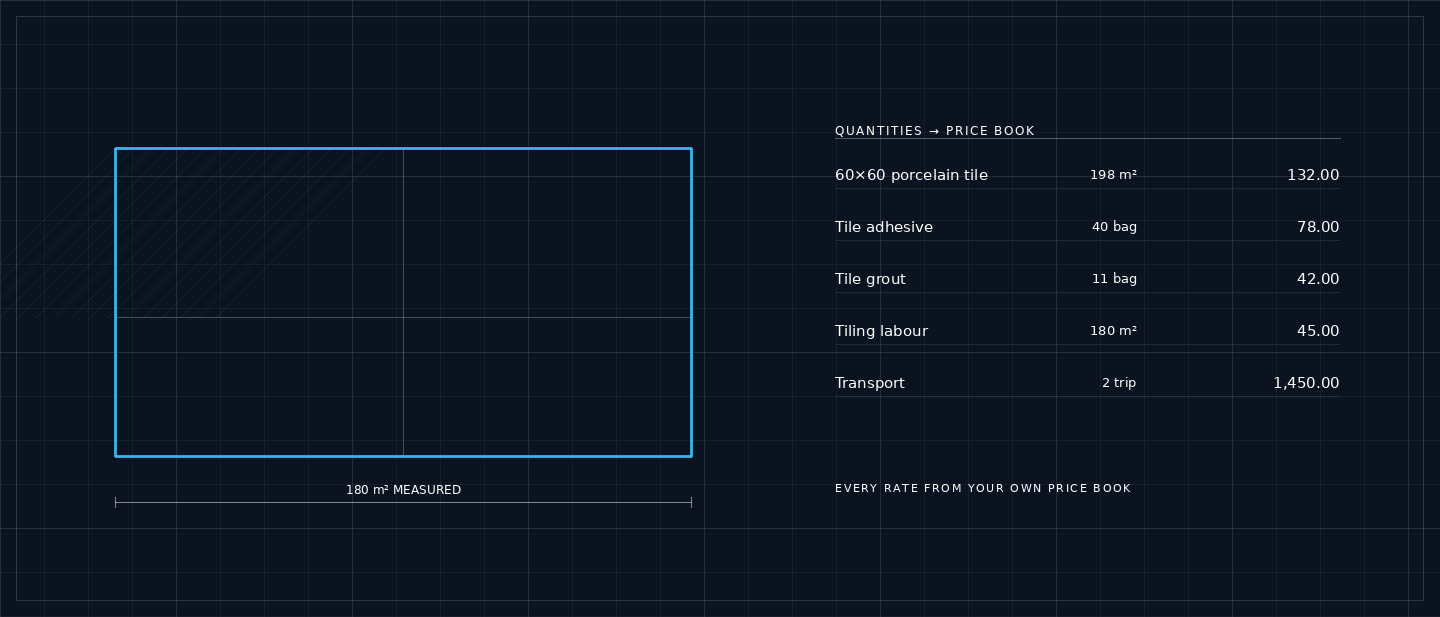
The estimate is where the money is made or lost, so it behaves like a spreadsheet rather than a form dense rows, inline editing, keyboard movement, and totals that move as you type.
- Sections and line items
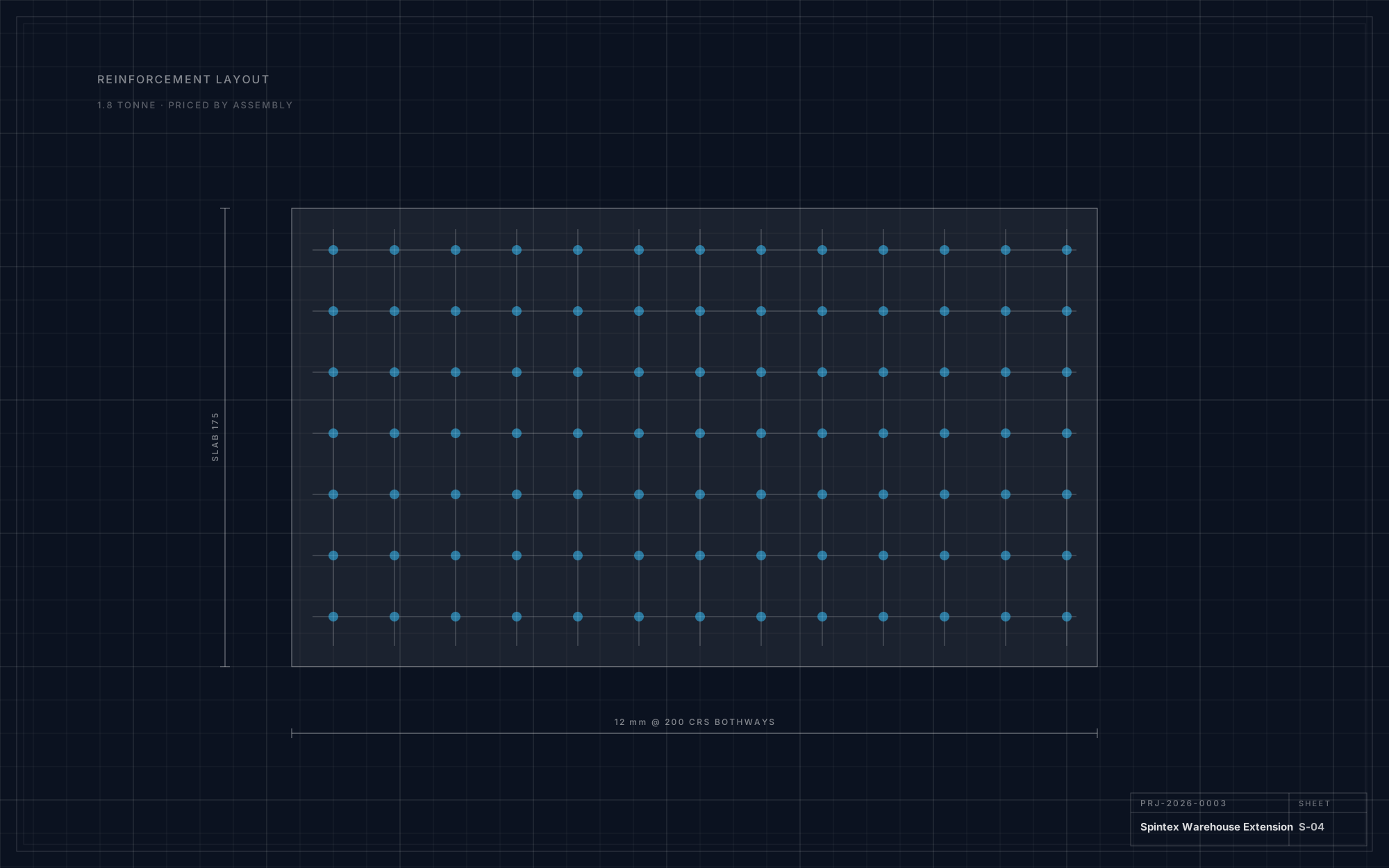
- Quantity, unit, rate, waste and markup on every line, each typed as material, labour, equipment or subcontractor.
- Waste inside the quantity
- Per line or applied across the estimate. The adjusted quantity is what gets priced.
- Rate library
- Reusable material, labour, equipment and subcontractor rates built from your own prices.
- Templates and BOQ import
- Reusable structures, plus Excel and CSV bills mapped into estimate lines.
- Live profit protection
- Direct cost, overhead, contingency, discount, tax and gross margin visible the whole time you edit.
- Deterministic arithmetic
- Recalculated on the server before anything is issued. Decimal-safe, never floating point.
02
Cost library
A rate without a date is a guess. The cost library tracks freshness, flags what has gone stale, and always shows which source a number came from.
- Materials
- Brand, category, unit, purchase price, selling rate, city and the date last confirmed.
- Freshness
- Current under 30 days, ageing to 60, stale beyond filterable, so twenty rates take twenty minutes.
- Labour and equipment
- Trades per day, hour or square metre; plant with hire, transport and operator in one all-in rate.
- Price priority
- Project price, then city rate, then regional rate, then a reference figure.
- Bulk update and import
- A percentage move across a filtered set, or an imported rate list mapped once.
03
Quotations and approval
A quotation is a sales document and a legal record at the same time. It has to look right, and it has to be impossible to quietly change after it is sent.
- Three formats
- Detailed quote, client summary at section level, or a BOQ layout with item numbering.
- Cost never leaks
- Client documents carry sell rates and totals only. Cost, markup and margin stay inside your workspace.
- Secure approval links
- A tokenised URL with no company or database identifiers in it.
- Recorded decisions
- Acceptance stored with timestamp, device and IP, and written to the audit trail.
- Versions preserved
- A revision creates a new version. Last month's document is still last month's document.
04
Contracts and cash
The stage where spreadsheets give up. Contract value, variations, milestone invoices, part-payments and retention all have to agree with each other permanently.
- Contracts
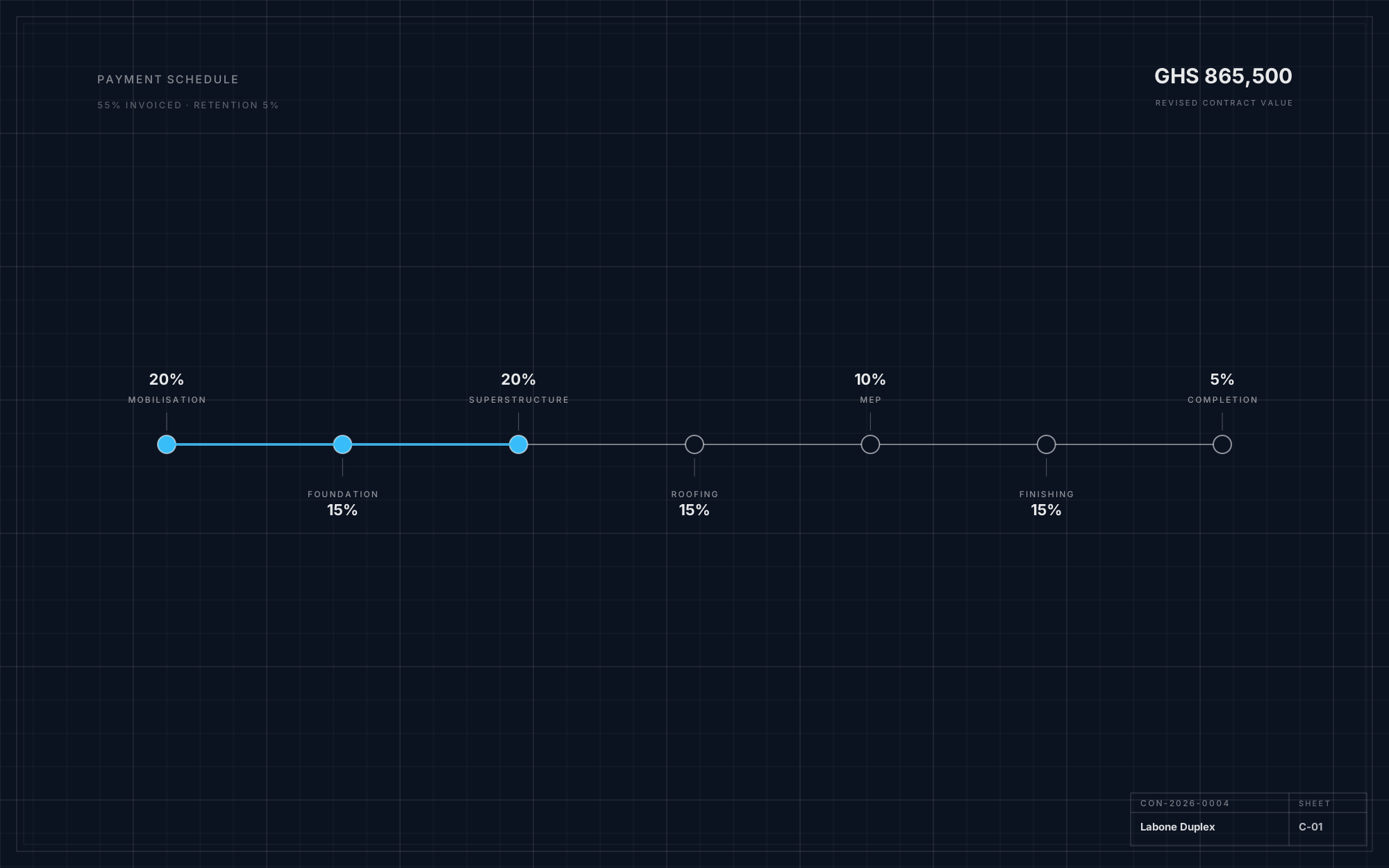
- Original value, approved variations, revised value, retention, start and completion dates.
- Milestone schedules
- Mobilisation through practical completion, invoiceable the day a milestone is met.
- Variations
- The original allowance shown beside the new cost, so a client approves a difference rather than a surprise.
- Invoices
- Deposit, progress, milestone, variation and final, each with due date, paid amount and outstanding balance.
- Payments
- Mobile Money, bank, cash, cheque or card, with part-payments and attached receipts.
- Expenses
- Site spending by project and category, so actual cost drives profitability.
05
Reporting and assistance
Reporting is not a monthly ritual here. The dashboard answers what a contractor asks every morning, and the assistant points at what needs attention without touching a figure.
- Dashboard
- Revenue, outstanding, active projects, win rate, gross profit and cash collected, each clicking through.
- Project profitability
- Contract value against recorded cost, with a flag when spending runs ahead of progress.
- Cash flow
- Receipts against site spending by month, and what is owed by whom.
- Sales reporting
- Pipeline by stage, win rate on decided quotations, and quotes opened repeatedly without an answer.
- Estimate review
- Missing labour, absent transport, zero waste, thin margin, stale rates as suggestions you accept or ignore.
- Exports
- CSV and Excel for every list; print-ready PDF for every client document.
06
Administration and security
Practices and contractor groups run more than one company. Membership, roles and permissions are resolved from the authenticated user on every request.
- Multi-company
- Switch companies from the sidebar. A record from one will not open in another.
- Seven roles
- Owner, admin, estimator, project manager, accountant, staff and viewer.
- Configurable tax
- VAT, NHIL, GETFund levy and custom rates with effective dates nothing hard-coded.
- Numbering
- Per-company sequences for projects, estimates, quotations, invoices and variations.
- Audit trail
- Estimate, price, quotation, contract, variation, invoice and payment changes with user and timestamp.
- Notifications
- In-app today, with the same event model ready for email, WhatsApp and SMS.
Specifics
The details people ask about in the second meeting.
0
Units of measurement
From bag and trip to m³ and lot, plus your own.
0
Construction categories
Extendable per company.
0
Seeded labour trades
Mason to HVAC technician, priced your way.
0
Payment methods
Bank, Mobile Money, cash, cheque and card.
Currency
GHS by default and locally formatted, with multi-currency architecture for Nigeria, Kenya, Rwanda and Uganda.
Documents
Detailed quote, client summary and BOQ layout; PDF for quotations, invoices, variations and schedules.
Exports
CSV and Excel across every list and report.
Accessibility
Keyboard operation throughout, visible focus states, semantic tables and forms, designed dark mode in the workspace.
Deployment
Docker Compose for the full stack: PostgreSQL, object storage, backend, frontend and the AI service.
Isolation
Company membership verified server-side on every request; a URL never authorises access.
Bring a bill you have already priced.
If our number and your number disagree, the interesting part is finding out which line explains it.